Lambo Play Maya Deposit and Withdrawal: Complete Walkthrough
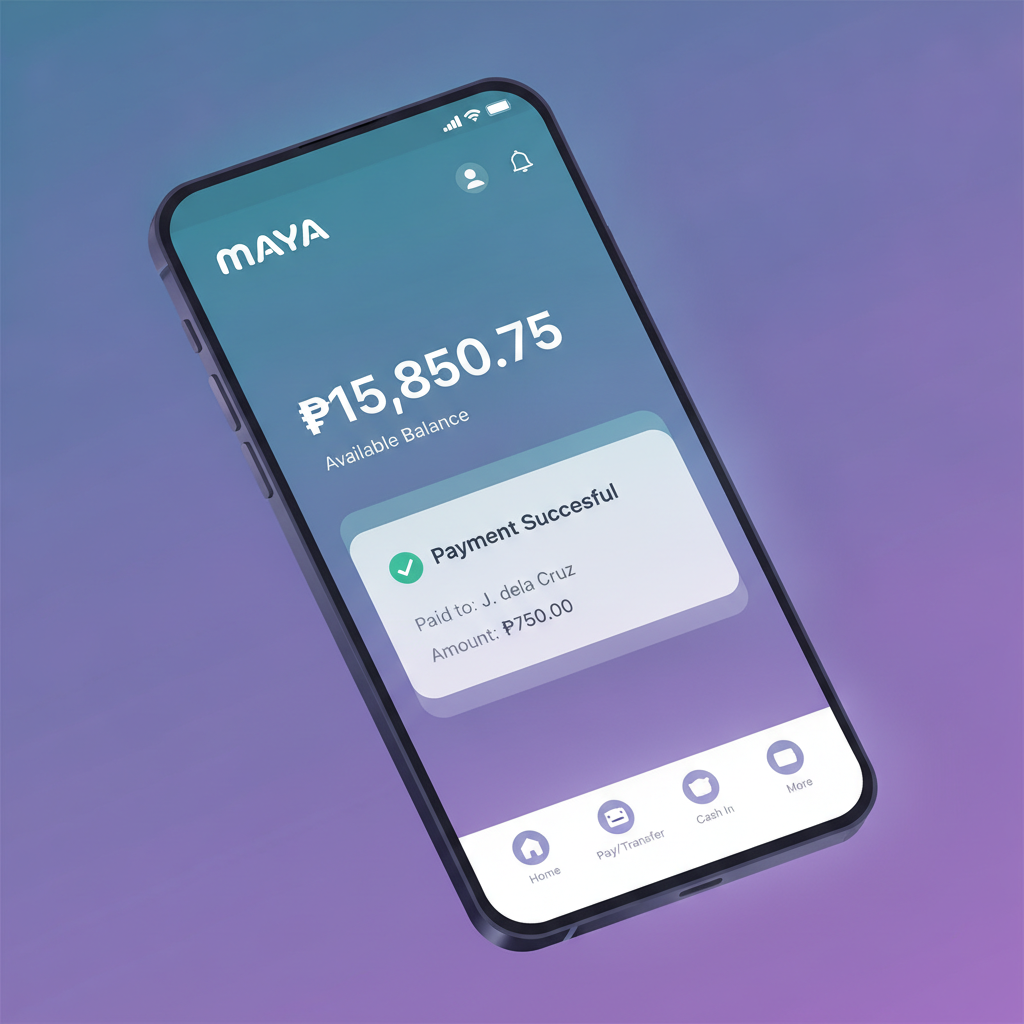
Lambo Play Maya Deposit and Withdrawal: Complete Walkthrough
Maya has become one of the most popular e-wallets in the Philippines, and Lambo Play supports it for both deposits and withdrawals. If you already have funds in your Maya account, moving money in and out of your Lambo Play balance is straightforward—but knowing the exact steps, limits, and what to do when errors occur will save time and frustration.
This guide walks existing Lambo Play players through every stage of using Maya, from topping up your casino balance to requesting a cashout and troubleshooting common problems.
21+ only. Online gambling is restricted to adults. Set deposit limits in your account settings to stay in control of your spending.
How to Add Funds to Lambo Play Using Your Maya Wallet
Depositing through Maya on Lambo Play is fast and processes instantly in most cases. Before you start, make sure your Maya app is installed, verified, and has sufficient balance. You can top up Maya at any 7-Eleven, through your linked bank account, or via remittance partners.
Deposit Steps
- Log in to Lambo Play on your Android device or mobile browser.
- Tap the Deposit or Cashier button, usually found in the top-right corner or main menu.
- Select Maya from the list of payment methods. If you don't see Maya, scroll through the e-wallet options—some accounts display GCash, Maya, and other wallets in a carousel.
- Enter the amount in pesos you want to deposit. Most players deposit between PHP 100 and PHP 500 per transaction.
- Tap Confirm or Proceed. You will be redirected to the Maya payment gateway.
- Log in to Maya using your registered mobile number and six-digit PIN, or biometric authentication if enabled.
- Review the transaction details: recipient name (usually shown as Lambo Play or its payment processor), amount, and any fees.
- Tap Pay or Confirm Payment.
- You will see a confirmation screen in Maya, then be redirected back to Lambo Play.
- Your balance updates immediately. Check your Lambo Play wallet or transaction history to confirm the deposit landed.
Maya Deposit Limits and Fees
- Minimum deposit: PHP 100
- Maximum per transaction: PHP 50,000 (may vary by account verification level)
- Lambo Play deposit fee: None. The platform does not charge for Maya deposits.
- Maya transaction fee: Maya may apply a convenience fee for certain payment types or if your wallet balance comes from an unverified source. Check the Maya app's fee schedule if you notice deductions.
Most deposits arrive within seconds. If the balance does not appear after two minutes, check your Maya transaction history first. If Maya debited your wallet but Lambo Play has not credited your account, contact Lambo Play support with your Maya reference number and timestamp.
Step-by-Step Maya Withdrawal Request Process
Withdrawing your winnings or remaining balance to Maya follows a request-and-approval workflow. Lambo Play reviews each cashout for security and wagering compliance before releasing funds.
Withdrawal Steps
- Log in to Lambo Play and open the Cashier or Withdraw section.
- Select Maya as your withdrawal method. If you deposited using Maya, it is often the fastest option for cashouts.
- Enter the amount in pesos you wish to withdraw. Ensure you meet the minimum withdrawal threshold and have completed any bonus wagering requirements.
- Enter your Maya mobile number—the eleven-digit number starting with 09 that is linked to your Maya account. Double-check this; an incorrect number will delay or block your cashout.
- Tap Submit or Request Withdrawal.
- Lambo Play will send a confirmation request via SMS or email. Click the link or enter the code to verify the withdrawal.
- Your request moves to Pending status while the platform reviews it. This typically takes 15 minutes to 24 hours, depending on account verification status and withdrawal history.
- Once approved, funds are transferred to your Maya wallet. You will receive an SMS or push notification from Maya confirming the incoming payment.
- Open your Maya app and check your wallet balance to confirm receipt.
Maya Withdrawal Limits and Fees
- Minimum withdrawal: PHP 200
- Maximum per transaction: PHP 50,000
- Daily withdrawal cap: PHP 100,000 (cumulative across all methods)
- Lambo Play withdrawal fee: PHP 0 for the first withdrawal each day; PHP 50 for additional same-day requests (policy may vary—check the cashier page for current terms).
- Maya receiving fee: None. Maya does not charge users for incoming transfers.
Maya Withdrawal Processing Times
| Stage | Typical Duration |
|-------|------------------|
| Review and approval | 15 minutes – 24 hours |
| Transfer to Maya wallet | Instant – 2 hours after approval |
| Total end-to-end | 1 – 26 hours |
Faster processing applies to verified accounts with a history of successful transactions. First-time withdrawals or large amounts may require additional identity checks.
If your withdrawal remains pending beyond 24 hours, reach out to Lambo Play customer support via live chat or email with your transaction ID.
Fees, Limits and Transfer Times for Maya Transactions
Below is a consolidated summary of Maya fees, limits, and speed for both directions:
| Transaction Type | Min | Max per Transaction | Fee (Lambo Play) | Fee (Maya) | Speed |
|------------------|-----|---------------------|------------------|------------|-------|
| Deposit | PHP 100 | PHP 50,000 | PHP 0 | Varies* | Instant |
| Withdrawal | PHP 200 | PHP 50,000 | PHP 0 – 50† | PHP 0 | 1 – 26 hours |
*Maya may apply fees depending on your wallet funding source and verification tier.
†First daily withdrawal is free; subsequent same-day requests may incur PHP 50.
These figures reflect typical policies as of early 2025. Always confirm current limits and fees inside the Lambo Play cashier before submitting a transaction.
Troubleshooting 'Payment Method Unavailable' Errors
If you tap Maya in the deposit or withdrawal menu and see "Payment method unavailable," "Service temporarily disabled," or a blank screen, try these fixes:
1. Check Your Maya Account Status
- Open the Maya app and verify your account is active, not suspended or flagged.
- Ensure your verification level supports online merchant payments. Basic accounts may have restricted transaction types.
- Confirm your wallet balance is sufficient for deposits (including any Maya fees) or that you have a linked bank or card for top-ups.
2. Update the Lambo Play App or Clear Browser Cache
- If you are using the Lambo Play APK on Android, download the latest version from the official site. Outdated apps can lose payment-gateway compatibility.
- If playing in a mobile browser, clear cache and cookies, or try a different browser (Chrome, Firefox, or Safari).
3. Restart and Retry
- Close Lambo Play completely, restart your device, and try the transaction again.
- Toggle airplane mode on and off to refresh your mobile data connection.
4. Use an Alternative Payment Method Temporarily
- If Maya remains unavailable, switch to GCash or InstaPay bank transfer to complete your deposit or withdrawal, then raise a support ticket to investigate the Maya issue.
5. Contact Lambo Play Support
- Reach out via live chat, email, or the in-app support button.
- Provide your account username, the exact error message or screenshot, and your Maya mobile number.
- Support can check whether Maya is under maintenance, if your account is restricted from using that method, or if there is a backend integration issue.
Most "unavailable" errors stem from temporary gateway maintenance or account-verification mismatches. Resolving them usually takes a few minutes once you reach support.
21+ Only; Set Deposit Limits to Stay in Control
Lambo Play is available exclusively to players aged 21 and over. Gambling should remain a form of entertainment, not a way to solve financial problems or chase losses.
Responsible Gambling Tools
- Deposit limits: Set daily, weekly, or monthly caps in your account settings under Responsible Gambling or Limits.
- Session reminders: Enable alerts to notify you after a set amount of play time.
- Self-exclusion: If you need a break, you can request a temporary or permanent account freeze through customer support.
If gambling is affecting your finances, relationships, or well-being, contact the National Council on Problem Gambling or similar local resources for confidential help.
Quick recap: Maya deposits on Lambo Play are instant and free; withdrawals take up to 26 hours and may incur a PHP 50 fee for same-day repeats. Always double-check your Maya mobile number before submitting a cashout, keep your app updated, and use the troubleshooting steps above if payment methods disappear. Play responsibly, set limits, and enjoy your gaming within your means.